
For most users, the lack of a downloadable application does not significantly change day-to-day usage. The mobile website loads directly through Chrome, Safari, Firefox and other modern browsers, eliminating the need to install updates or manage app storage space.
| Feature | Mobile Access Details |
|---|---|
| Native App | No dedicated Android or iOS application |
| Access Method | Mobile browser |
| iPhone Support | Safari, Chrome and Firefox |
| Android Support | Chrome, Firefox and modern browsers |
| Sports Betting | Available on mobile |
| Casino Lobby | Available on mobile |
| Live Casino | Available on mobile |
| Deposits & Withdrawals | Full cashier access |
| Promotions | Accessible on mobile devices |
| Security | Encrypted browser connection |
| Updates | Automatic through website updates |
Is there a Vegas Hero app for Android or iPhone?
No. At the time of writing, Vegas Hero does not provide a dedicated mobile application for Android or iOS devices.
Instead, the platform relies on a responsive mobile website that adapts automatically to different screen sizes. During our review, the casino lobby, sportsbook, promotions area, cashier and account settings all remained accessible without requiring software installation.
This approach has one practical advantage: players always use the latest version of the platform because updates are applied directly to the website rather than through app stores.
How to access Vegas Hero on mobile
Getting started on a mobile device requires only a browser and an internet connection.
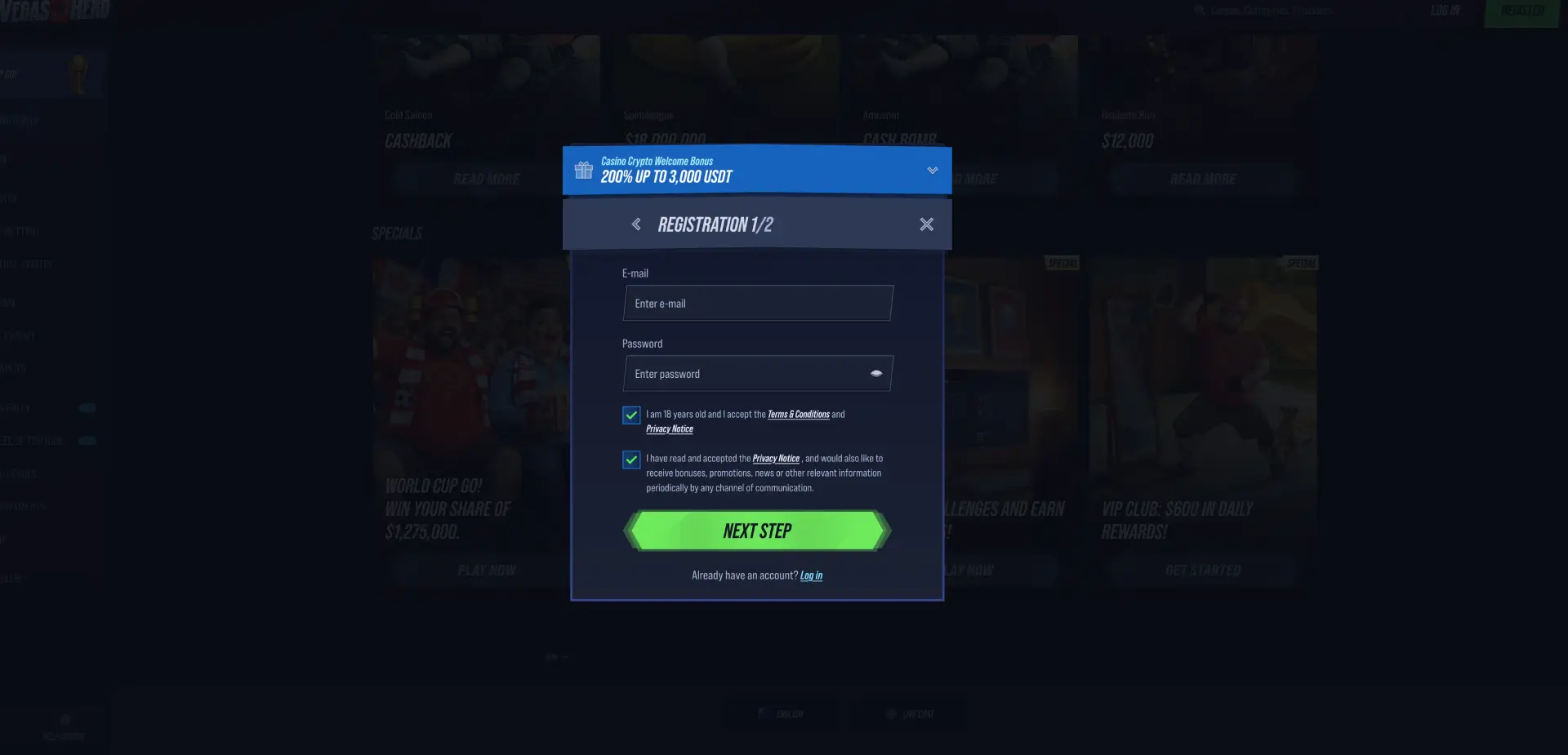
- Open Safari, Chrome or another supported browser.
- Enter the Vegas Hero website address.
- Wait for the homepage to load.
- Select Login or Register.
- Access the casino, sportsbook or promotions section.
- Deposit funds if required.
- Start playing or placing bets.
During our testing on mobile devices, navigation remained consistent with the desktop version. The sportsbook, casino categories and cashier were all accessible from the side navigation menu.
Add Vegas Hero to your home screen
Although there is no downloadable application, players can create a shortcut on their home screen. This provides quick access and creates an app-like experience.
How to add Vegas Hero to an iPhone
- Open the Vegas Hero website in Safari.
- Tap the Share icon.
- Scroll down and select Add to Home Screen.
- Confirm the shortcut name.
- Tap Add.
- The icon will appear on your home screen.
How to add Vegas Hero to Android
- Open the website in Chrome.
- Tap the browser menu icon.
- Select Add to Home Screen.
- Confirm the shortcut.
- Place the icon on your preferred screen.
- Open Vegas Hero directly from the shortcut whenever needed.
Features available on mobile
The mobile version includes the same major sections available through desktop browsers.
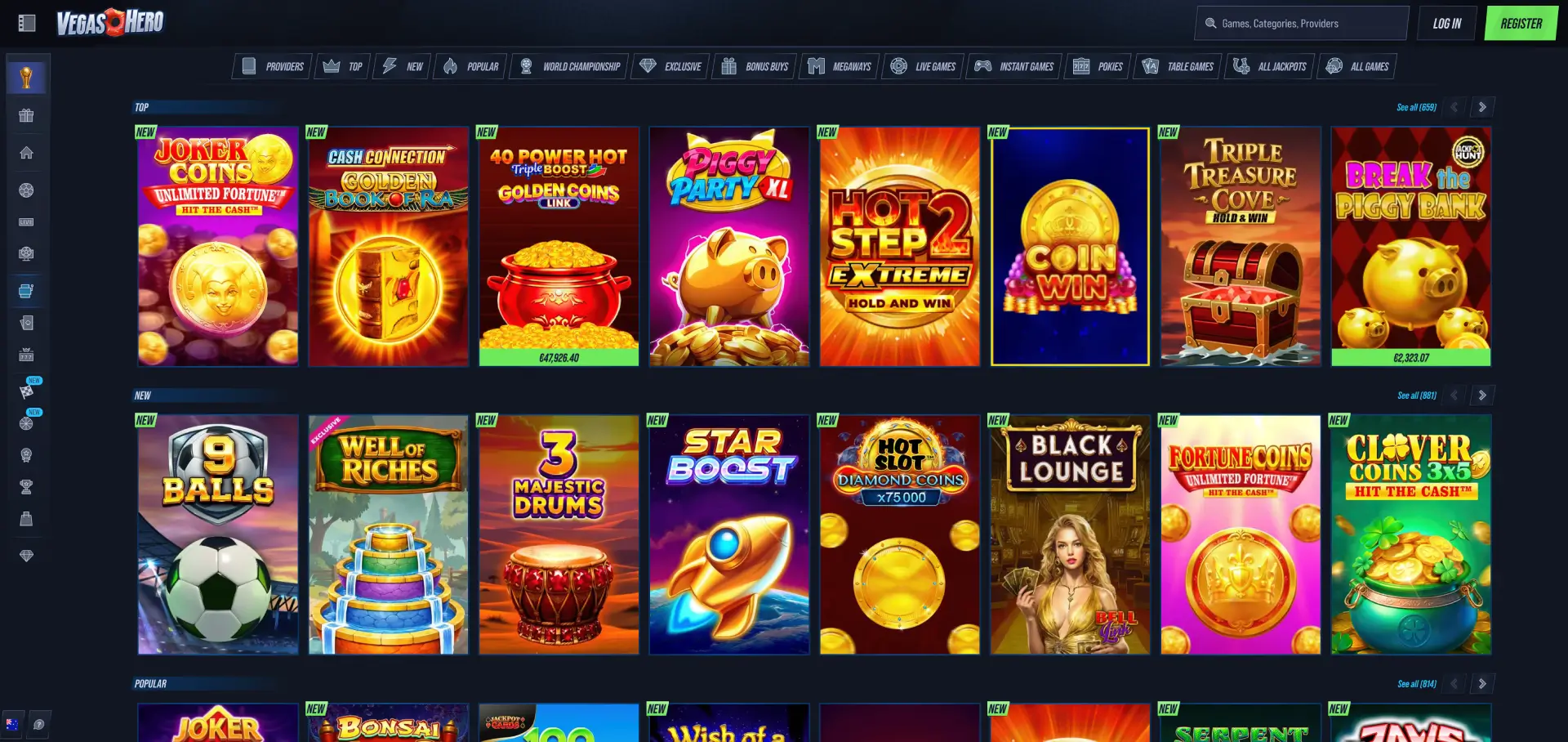
- Sports Betting: football, tennis, cricket, rugby, boxing, baseball and more.
- Live Betting: in-play markets with constantly updated odds.
- Pokies: classic slots, video slots, jackpots and bonus buy titles.
- Live Casino: roulette, blackjack, baccarat and game shows.
- Promotions: welcome bonuses, reloads, cashback and tournaments.
- VIP Club: loyalty rewards and member benefits.
- Spin Rally: scheduled promotional events.
- Challenges: casino and sports tasks.
- Shop: exchange coins for rewards.
- Cashier: deposits, withdrawals and transaction management.
During our testing, all major sections loaded successfully without redirecting to a desktop-only version.
Mobile performance
Performance is one of the most important aspects of any mobile casino platform. We tested Vegas Hero across several sections to evaluate loading times and responsiveness.
- Homepage loading: the homepage loaded within a few seconds on a standard mobile connection.
- Casino navigation: category switching remained responsive.
- Sportsbook access: betting markets opened quickly without page refreshes.
- Live casino streaming: roulette and blackjack tables loaded smoothly.
- Cashier access: deposit options appeared immediately after opening the payment page.
We also tested switching between sportsbook markets and casino games. Navigation remained stable throughout the session.
Mobile payments and withdrawals
Australian players can use the same cashier system available on desktop devices.
| Method | Minimum Deposit | Maximum Deposit |
|---|---|---|
| Visa / Mastercard | AUD 20 | AUD 3,100 |
| Cash2Code | AUD 15 | AUD 1,600 |
| MiFinity | AUD 15 | AUD 4,000 |
| Neteller | AUD 20 | AUD 8,100 |
| Bitcoin | AUD 45 | AUD 7,800 |
| Ethereum | AUD 20 | AUD 8,100 |
Withdrawals can also be requested directly from mobile devices, allowing players to manage transactions without switching to desktop.
Mobile security
Security standards on the mobile version mirror those used on desktop. Login credentials, personal information and payment activity are transmitted through encrypted connections.
Players should still follow basic security practices:
- Use strong passwords.
- Avoid public Wi-Fi when making transactions.
- Enable device security such as Face ID, fingerprint recognition or passcodes.
- Keep browsers updated.
- Log out when using shared devices.
Mobile sports betting
One of the strongest mobile sections is the sportsbook. During our review, the betting menu displayed football, basketball, tennis, cricket, rugby, American football, volleyball, boxing, cycling and Aussie Rules.
The bet slip remained visible while browsing markets, making it easy to place wagers without repeatedly navigating between pages.
Mobile casino games
The casino lobby performed well on mobile screens. Popular pokies visible during testing included Joker Coins, Piggy Party XL, Coin Win, Fortune Coins, Clover Coins 3x5 and Break the Piggy Bank.
The category structure remained intact, allowing users to browse Top Games, New Releases, Bonus Buy titles, Megaways games, Live Casino and Jackpot sections without difficulty.
Mobile live casino
Live casino content is fully available through mobile browsers. During our review, visible titles included Speed Roulette, Ruby Blackjack, Mega Roulette, Gold Saloon Roulette, Money Time and Gold Saloon Blackjack.
Video streams loaded successfully and maintained stable performance throughout our testing sessions.
Advantages of the Vegas Hero mobile version
- No installation required.
- Works on Android and iOS devices.
- Automatic updates.
- Full casino and sportsbook access.
- Supports deposits and withdrawals.
- Compatible with major browsers.
- Access to promotions, VIP Club and tournaments.
Limitations to consider
- No native app available.
- Requires an internet connection.
- Performance depends on browser and device quality.
- Some live casino streams may consume significant mobile data.
FAQ
Does Vegas Hero have an Android app?
No. Vegas Hero currently operates through a mobile browser rather than a dedicated Android application.
Is there a Vegas Hero iPhone app?
No. iPhone users access the platform through Safari, Chrome or other supported browsers.
Can I place sports bets on mobile?
Yes. The sportsbook and live betting sections are fully available on mobile devices.
Can I deposit using my phone?
Yes. The cashier supports deposits and withdrawals directly through mobile browsers.
Can I play live casino games on mobile?
Yes. Roulette, blackjack, baccarat and game show content are available through the mobile platform.
How do I create an app-like shortcut?
Use the Add to Home Screen option available in Safari or Chrome.
Do I miss any features by using mobile?
During our testing, the mobile version provided access to the same core features available on desktop.